HR - Attendance Request Creation
Executed by
Employee
Navigation
Navigation: Home > Select HR Module > Select Shift & Attendance > Select Attendance Request

OR
Goto "Employee Workspace" and click on "Attendance Request"
.png)
Steps
- Click on ""Add Attendance Request""

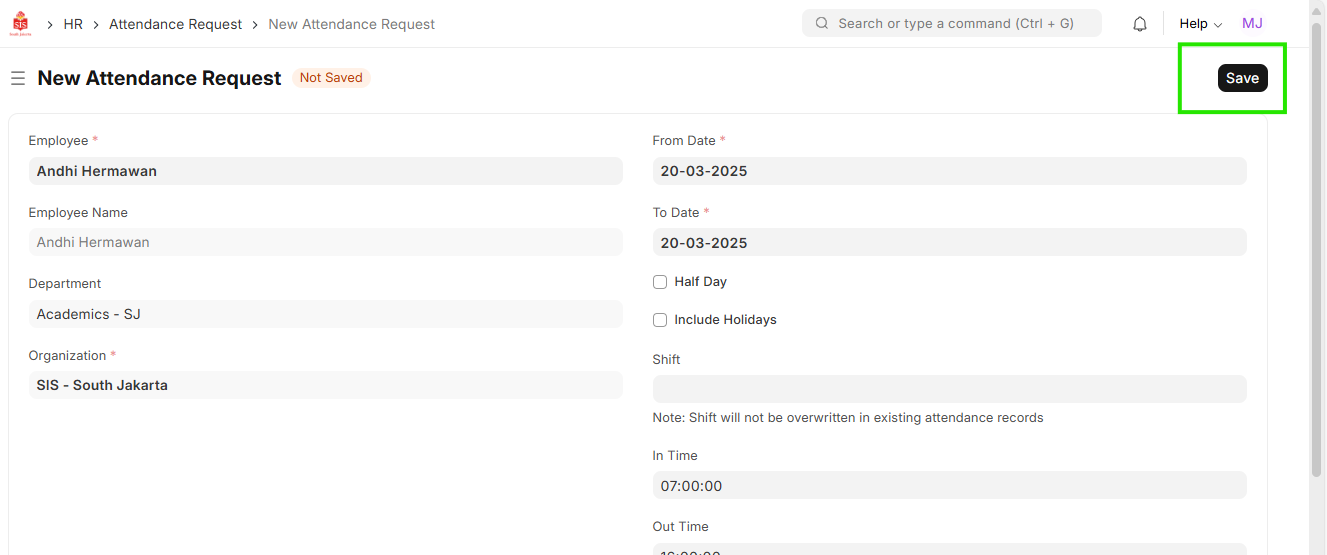
- Select the Employee
- Select From Date & To Date
- Select In Time & Out Time

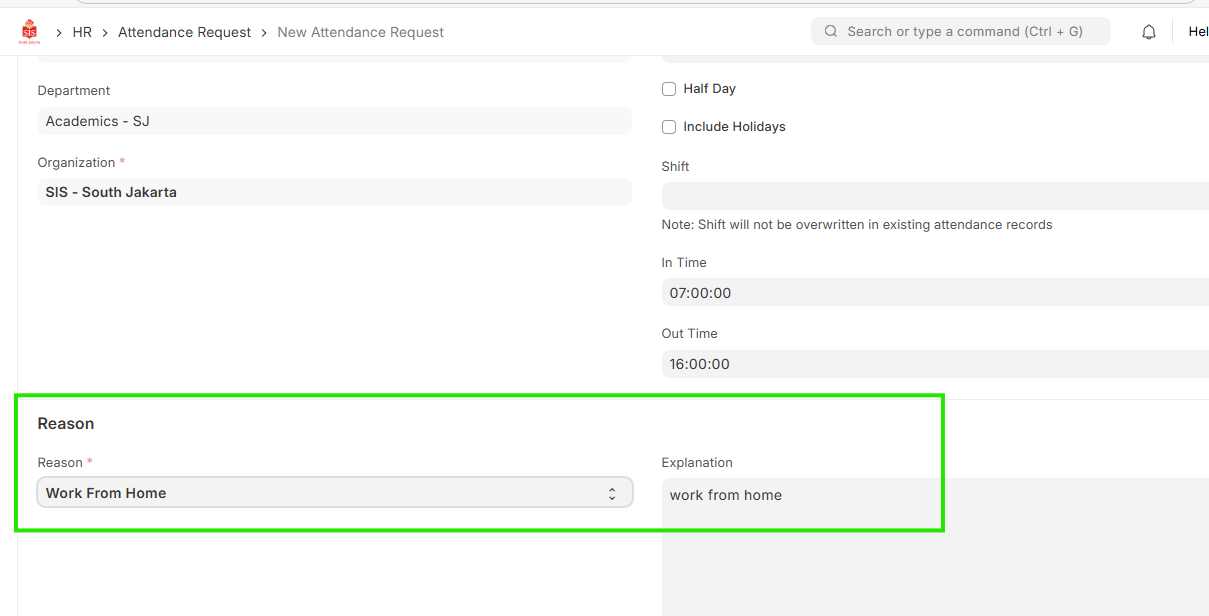
- Select Reason and enter Explanation

- Save

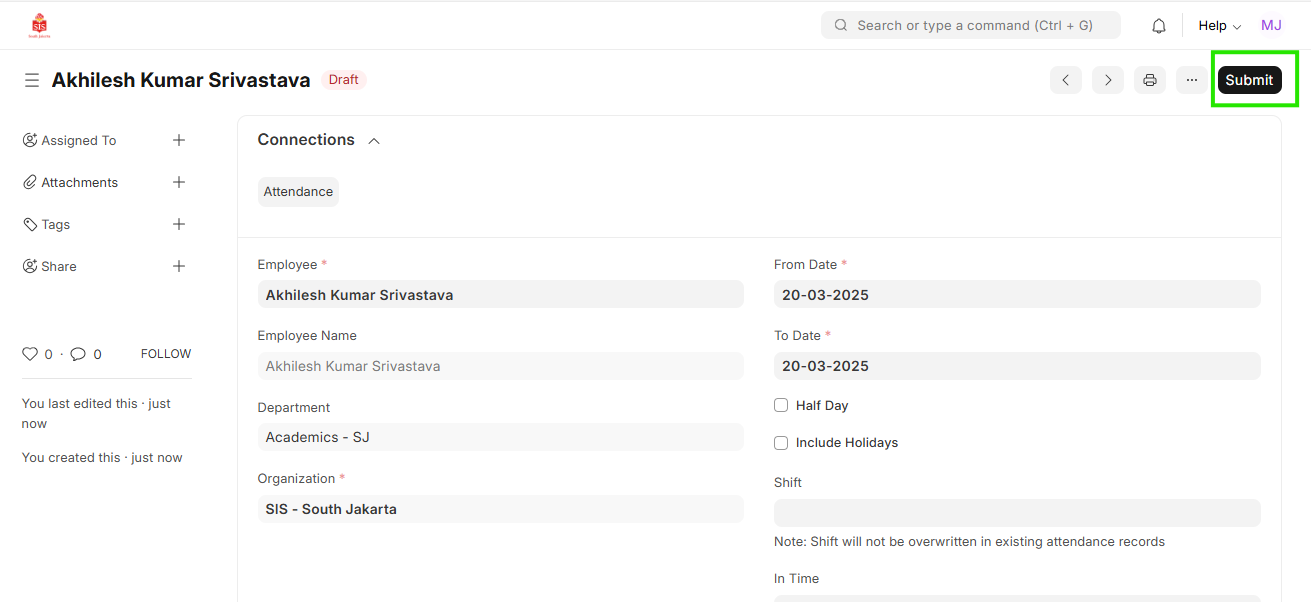
- Click on Action button and select ""Send for Approval"