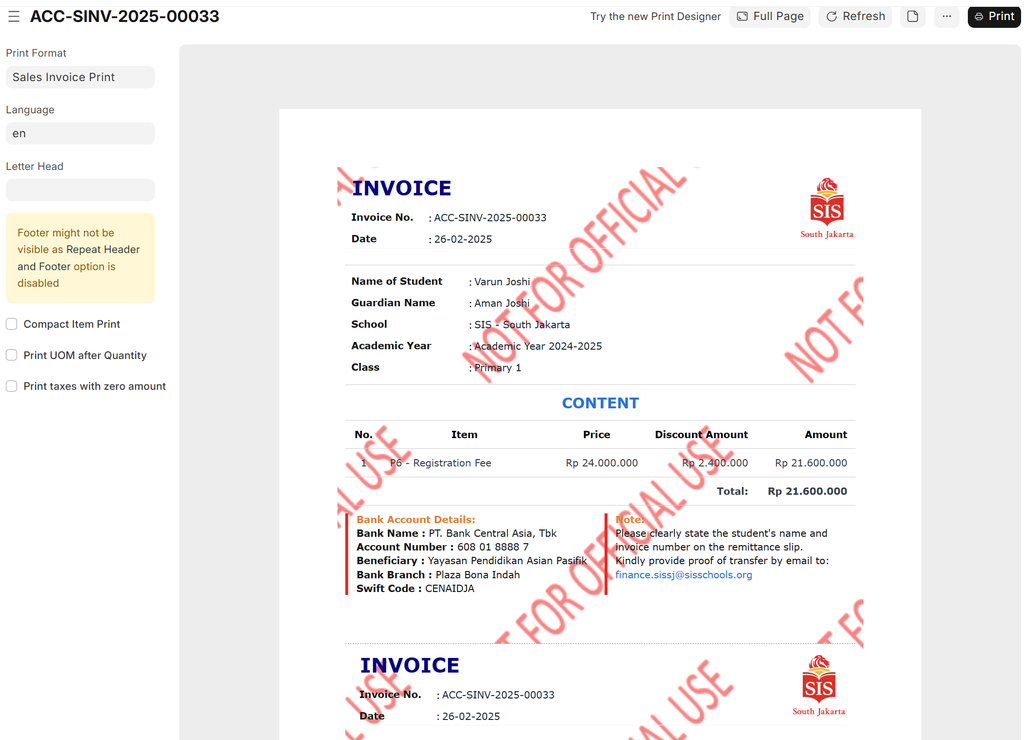
SL- Registration Fee Sales Invoice Creation
Executed by
Marketing Executive
Processes trigerred from
Student Admission - New student "(Variant)""
Navigation
Home > Education>Student Applicant>Create Sales Invoice OR Home > Selling > Sales Invoice
Steps
Once the Student Applicant record is Saved, the "Create Sales Invoice" button appears.
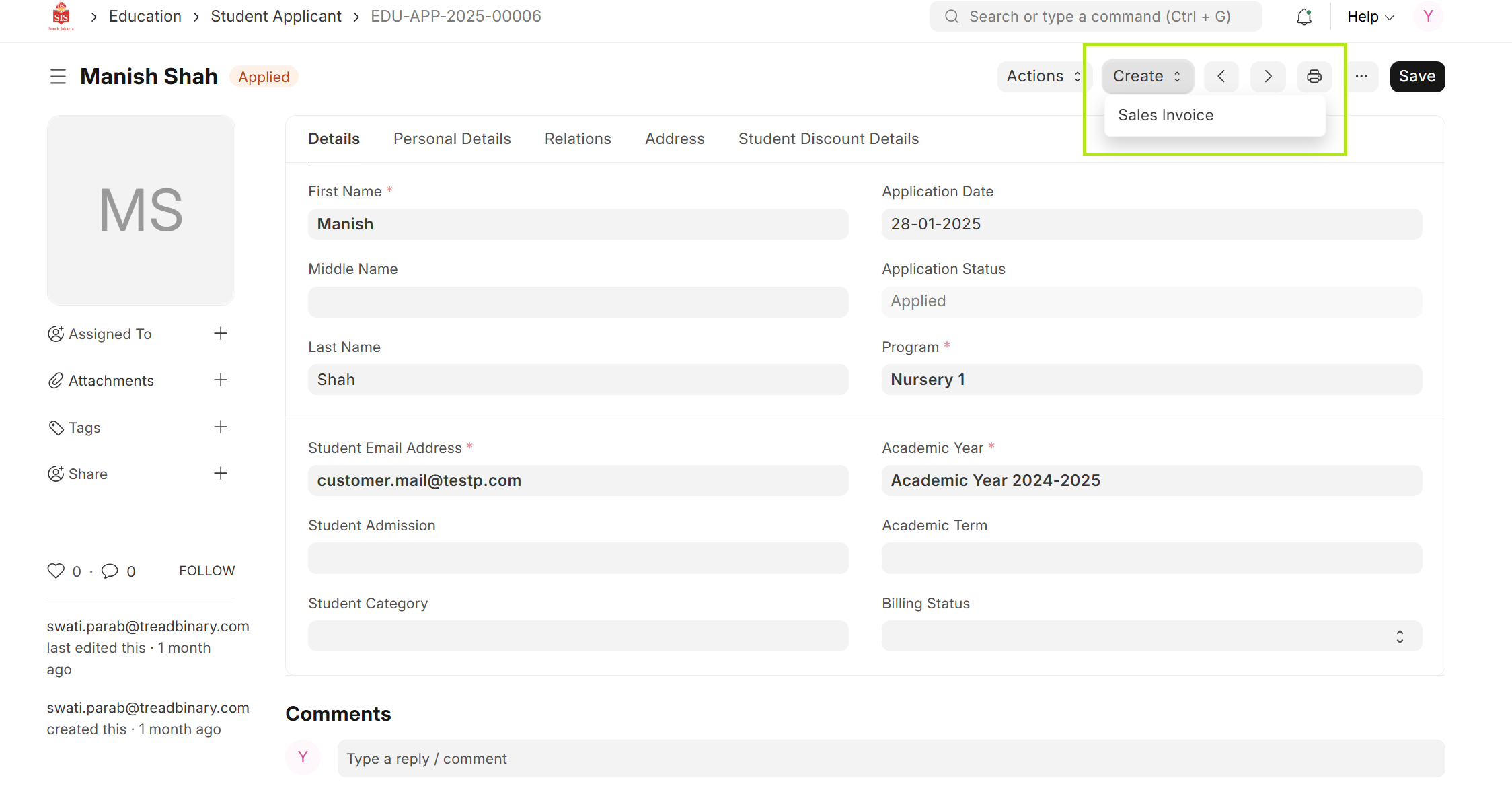
Create the sales invoice for registration fees as a draft, then the finance team will review and submit it and click on the item edit button, go to derrered revenue then uncheck the enable deferred revenue.
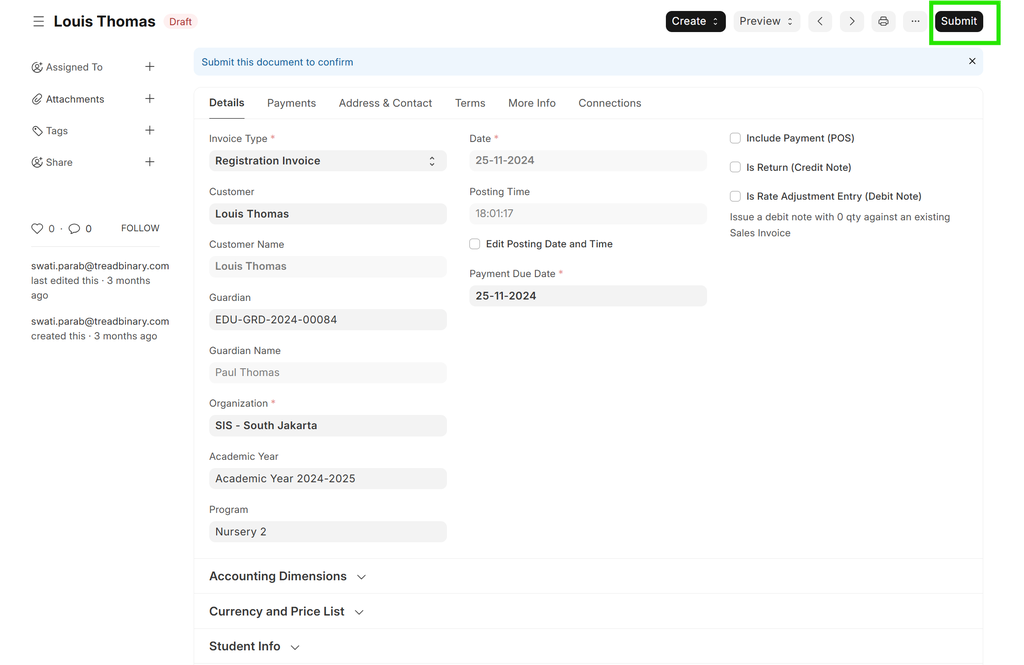

Click on Print button. Download the Sales Invoice & share it to the parents through mail.