CRM - Lead Creation
Executed by
Marketing Executive
Processes trigerred from
New Lead Management "(Variant)""
Navigation
Lead creation through SIS Website: Navigation: Home> SIS Website
OR
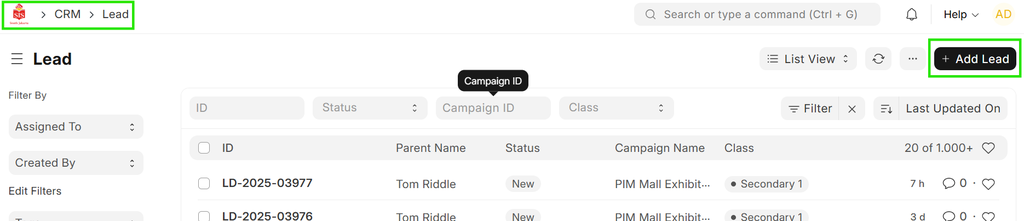
Manual Lead Creation: Navigation: Home > CRM > Lead > Add Lead in ERPNext.
Steps
Lead creation through SIS Website:
- Go to SIS Website
- Open the form & fill all details
- Submit.
Manual Lead Creation:
- Click on New Lead
 2. Fill the lead form with all necessary details
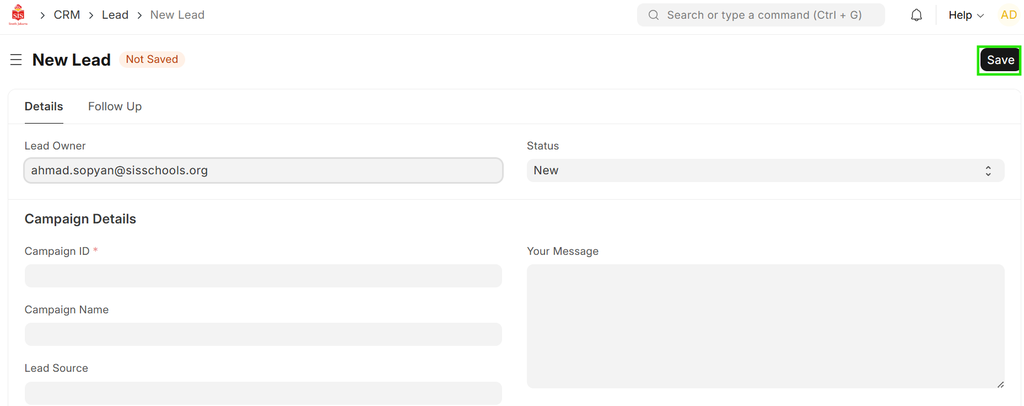


- Save.